Start emporia
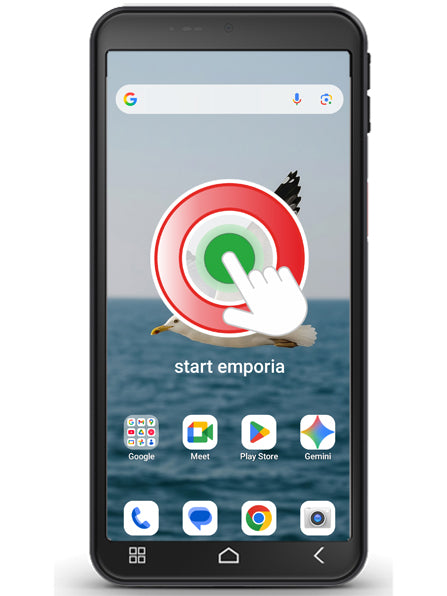
Now tap on the emporia icon. (Image 1)
Legal information
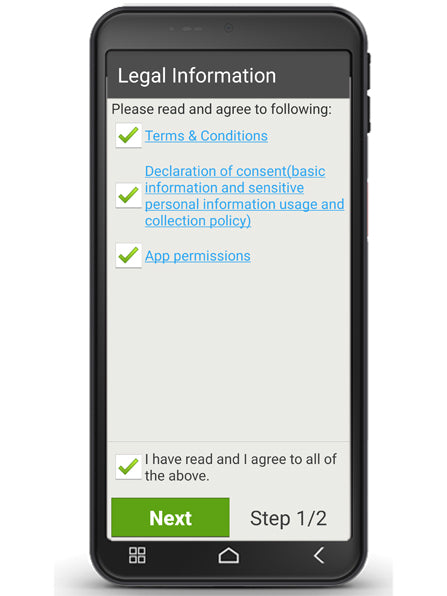
Agree to the terms and conditions, privacy policy and app permissions for the emporia app.
To do this, tap on the box next to ‘I have read and agree to all of the above’.
Confirm with ‘Next’. (Image 2)