emporia system update
Why are there updates?
Emporia is constantly developing the software for your smartphone. You can download the latest software for your phone yourself, update the system and improve applications.
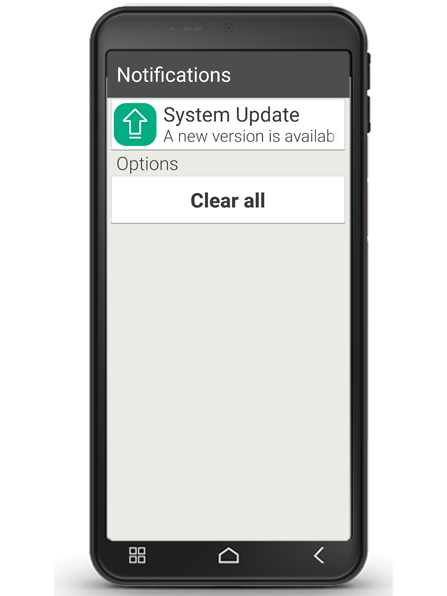
When an update for the emporia software is available, you will receive a notification that will be displayed in the info centre.
It is important to install this update! Otherwise, some applications may no longer function properly.
What happens if you do not install an update?
If you ignore and delete notifications for updates, your smartphone will not be up to date. Any security vulnerabilities and functional errors that have already been identified will not be fixed. In addition, you will repeatedly receive notifications to install the pending update.
Can an update also be detrimental?
Every update requires storage space on your device. Especially with older models, over the years the operating system and apps can take up so much storage space that the smartphone slows down. In this case, delete data such as photos, videos and the like from your smartphone to free up memory.
How do you perform a system update on your smartphone?
Performing the update is not difficult. Allow about 15 minutes to complete the steps and do not interrupt the process under any circumstances.
- Connect to the internet via a Wi-Fi network. If you do not have access to a Wi-Fi network, you can also perform the update via a mobile data connection.
- Check that the battery has at least 30% charge, otherwise the download cannot start.
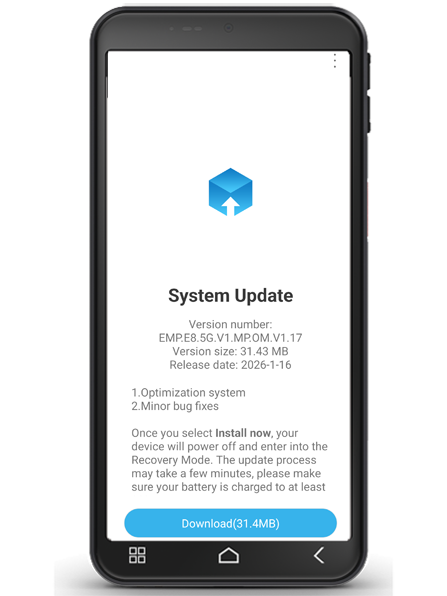
- Tap on the update notification or open ‘All apps – System update’.
- Tap on ‘Check update’. Then start the transfer of the existing data by tapping on ‘Download’.
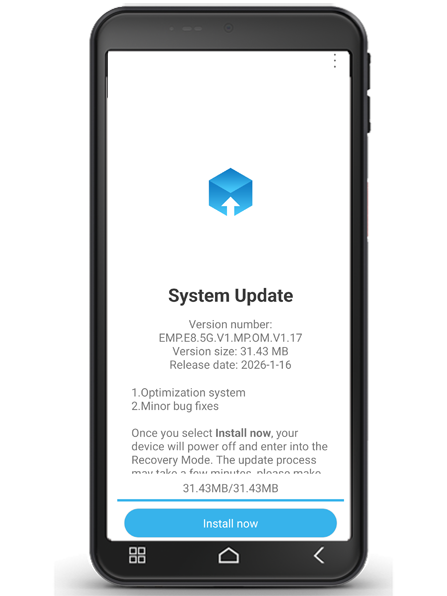
- Once the download is complete, tap on ‘Update now’ to install the update.
- A message will appear. Read it carefully and then tap on ‘OK’.
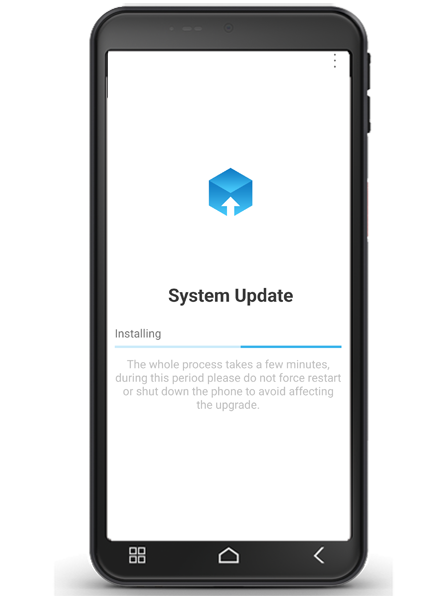
- The update process will now start and may take some time. The smartphone will restart and then update many apps. Please do not interrupt this process, even if it takes a little longer!
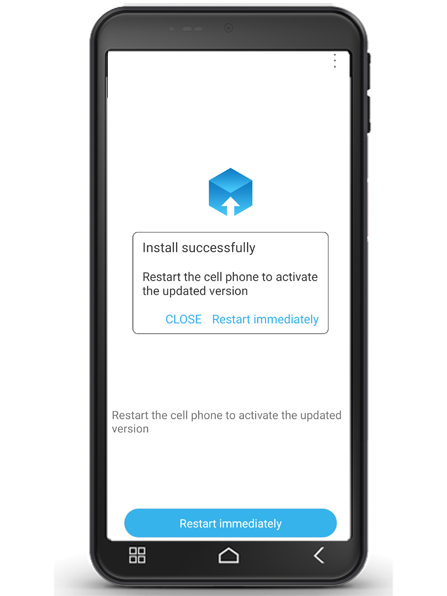
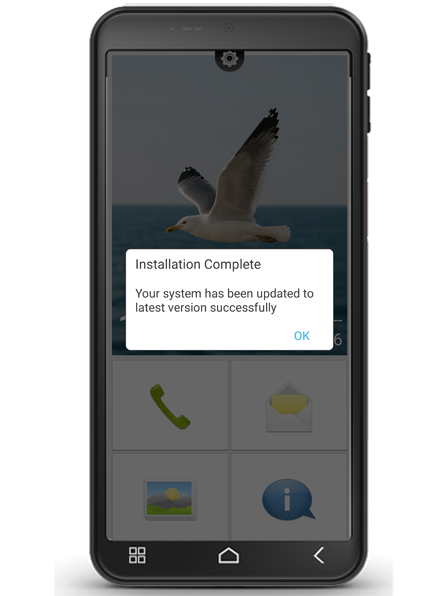
- When the update is complete, you will receive a message informing you that the installation was successful. Close this message by tapping ‘OK’.