emporia e-email setup
Linking an email account
The emporia user interface includes an email program. To receive and compose messages, you will need to link your email account.
1. Start the linking process
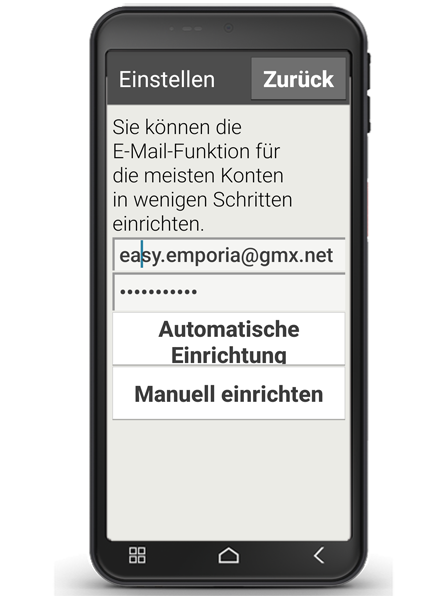
Start the email application for the first time by tapping on "Email" (a). Enter your email address and the relevant password (b). Next, tap on "Manual set-up" (c).
2. Setting up the POP server
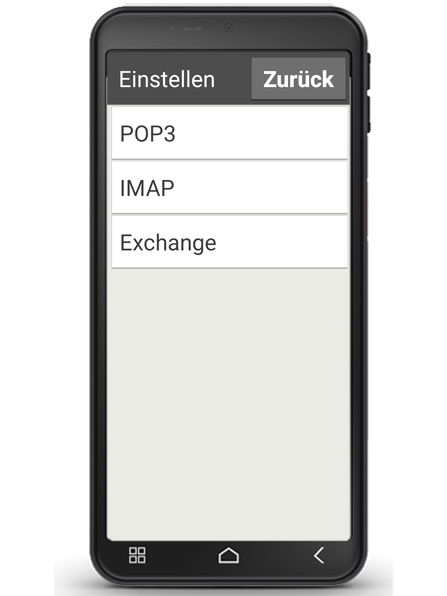
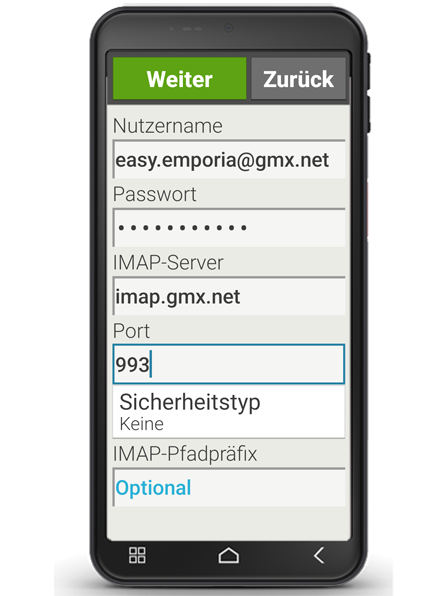
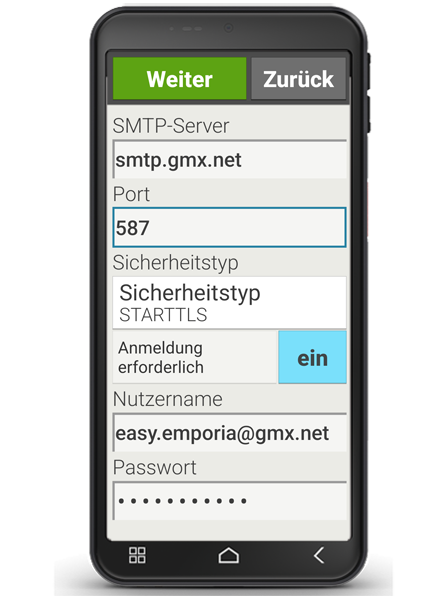
In the next window, tap on 'POP3' (d). Enter the relevant details for "POP3 server", "Port" and "Security type" (e) and tap on "Next" (f) . You will find the relevant server settings on the support page of your email provider.
Tip: You may need to activate the POP3 function in the settings menu of your mailbox before the setup process.