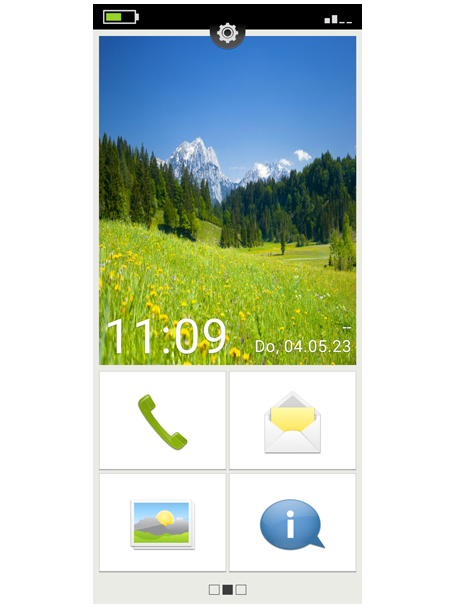
start emporia
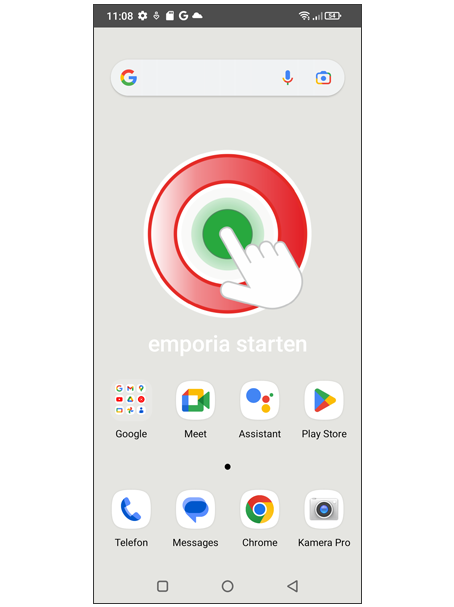
Nachdem Sie die Einrichtung von Android und Google abgeschlossen haben, sehen Sie den Android Startbildschirm.
Tippen Sie nun auf das emporia Symbol. (Bild 1)
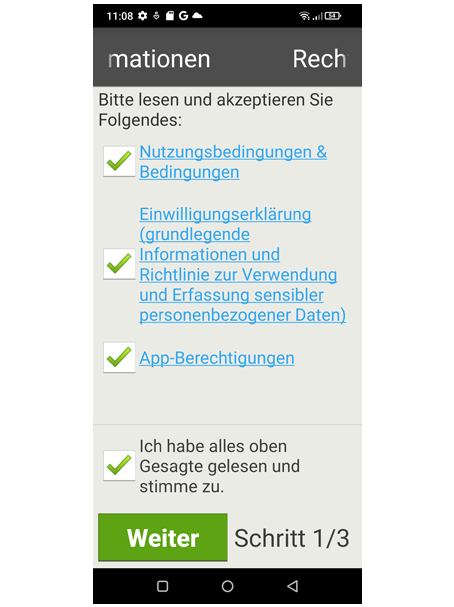
Rechtliche Hinweise
Stimmen Sie den Geschäftsbedingungen, der Datenschutzrichtlinie und den App-Berechtigungen für die emporia App zu. Tippen Sie dazu auf das Kästchen neben »Ich habe alles gelesen und bin damit einverstanden.«.
Bestätigen Sie mit "Weiter".
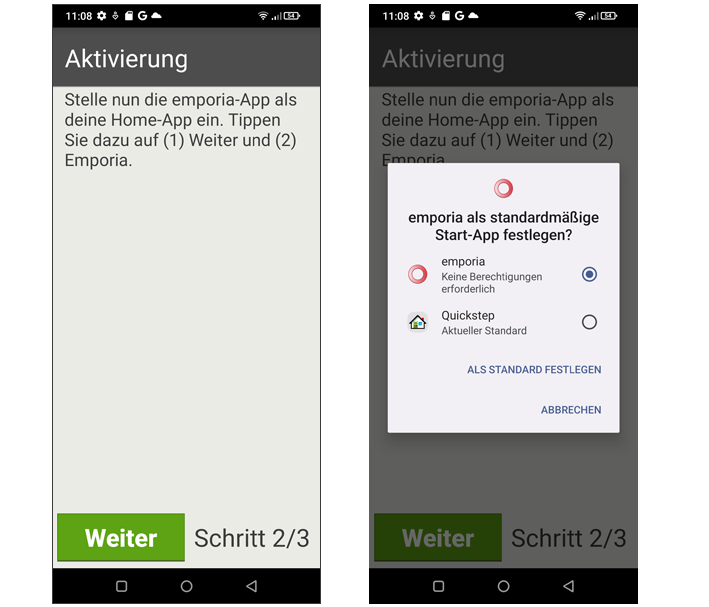
emporia App als Startbildschirm
Nehmen Sie folgende Einstellungen vor, damit das Smartphone mit der
emporia Oberfläche startet.
• Tippen Sie auf "Weiter".
• Tippen Sie auf "emporia".
• Tippen Sie auf "Als Standard festlegen".