Basics: How can I tell if the smartphone is ready for use?
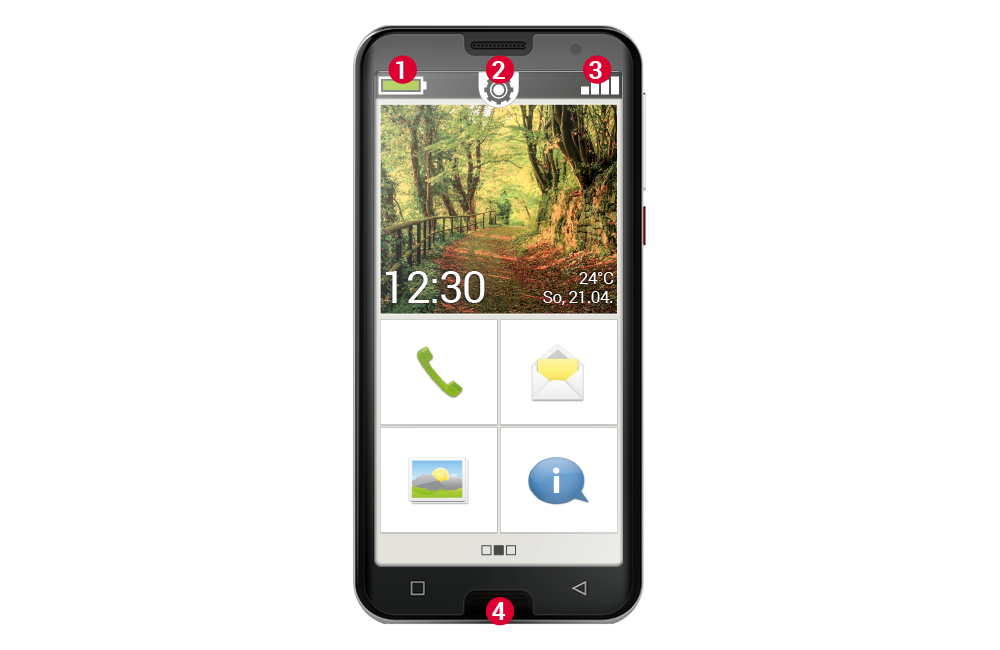
The icons on the home screen will help you. The home screen is the starting point for your smartphone and always appears when you switch on your mobile phone and when no smartphone function is being used. Use the home button(4) to call up the home screen and return to the starting point at any time.
You will see three icons at the top of the display:
(1) Battery indicator
(2) Quick settings
(3) Signal strength
Signal strength
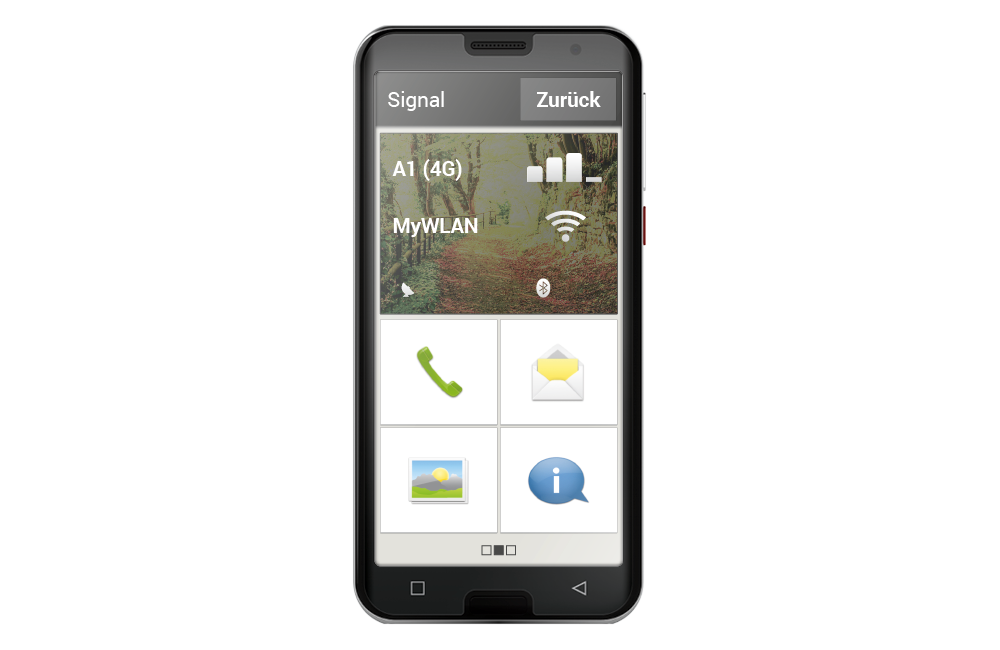
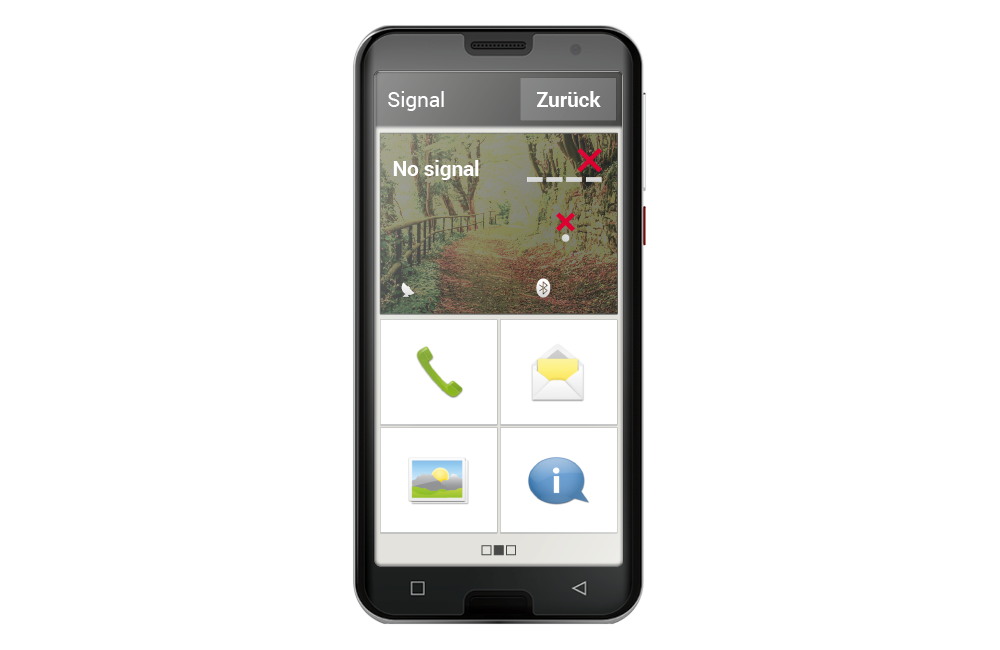
Tap the signal strength indicator briefly to get detailed information about your smartphone's reception and connections.
How strong is the reception on the network you are currently using?
In this example, the smartphone has 75% reception strength.
Which network operator is the mobile phone connected to and which network technology is currently being used?
This smartphone is connected to the A1 network and uses a 4G connection.
What is the name of the Wi-Fi network to which the mobile phone is connected and how strong is the connection?
There is a connection to the Wi-Fi network ‘MyWiFi’, the reception strength is approximately 66%.