emporia Calendar
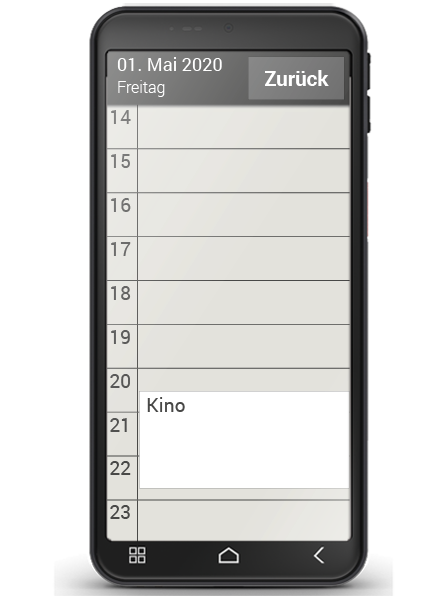
You can now manage your events on your smartphone and access them any time. Your digital calendar will remind you of things like events and birthdays through notifications.
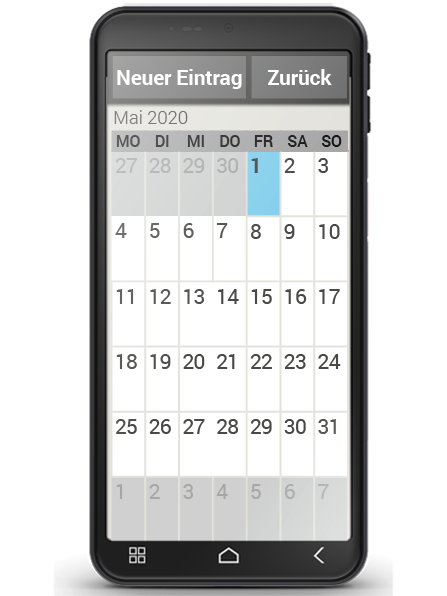
Open the Calendar app on the app screen or the "All apps" list. The current month will be shown in the overview and Today's date will be in blue.
How do I enter a new event?
- Tap on "New entry" and specify whether you want to enter an "Event" or a "Birthday".
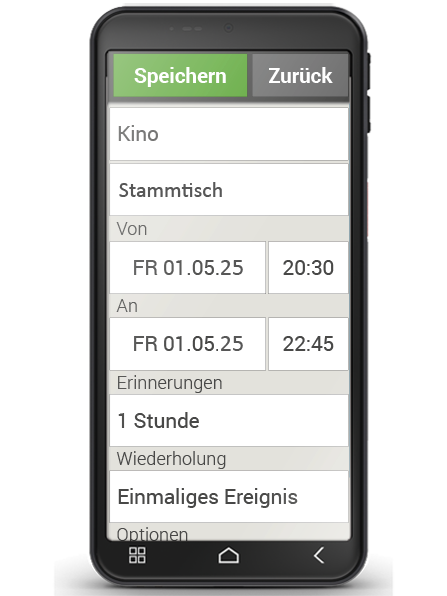
- Enter a "Name" for the new event.
This name is what the event will be shown as on the calendar. - Now enter a time frame for the event.
Today's date and the time 30 minutes from now will be entered by default. - Tap on the date and time to change these details.
- In "Reminders", you can specify how long before the event you would like to receive a notification.
- In "Repetition", you can set the event you've just entered to recur daily, weekly, monthly or yearly.
Don't forget to save every event you enter and any changes you make!