emporia SMS messages
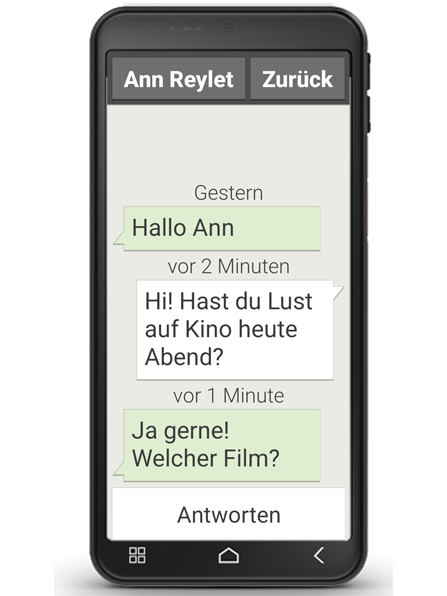
This application enables you to send and receive text messages (SMSs) and multimedia messages (MMSs).
SMSs are frequently being superseded by messaging app services these days. SMSs are still convenient though in cases such as when you want to send a text message to a contact who doesn't have a smartphone yet. SMSs also work when you don't have any data reception.
Writing a message
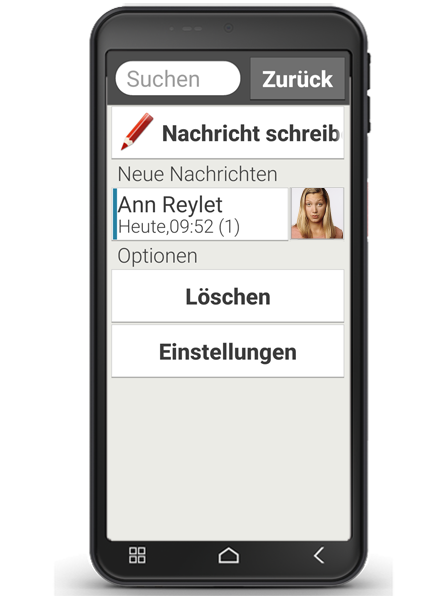
Select "Write message".
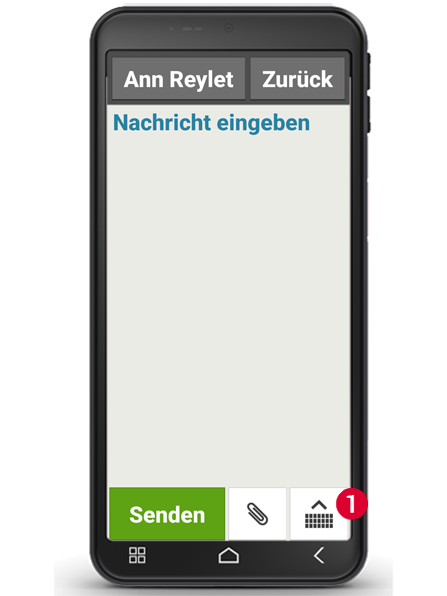
Enter the text using the keyboard on the screen.
If the on-screen keyboard doesn't open automatically, tap on the keyboard icon (1).
Sending a message
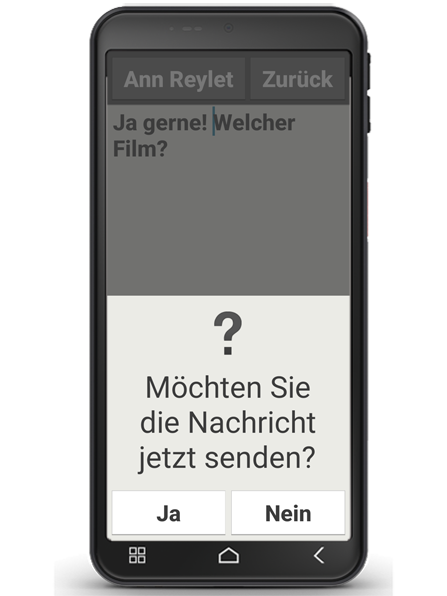
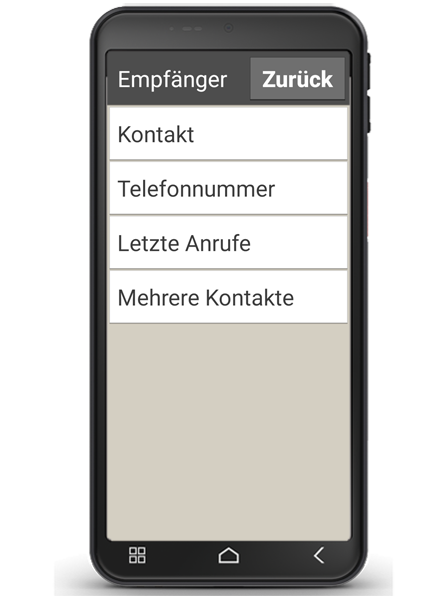
Enter a recipient that you want to send the message to. Select the field "To" or select "Send" on the keyboard.
You can now search for the recipient in your contacts, type in a phone number using the keypad or select a number from your recent calls list.
Reading a message
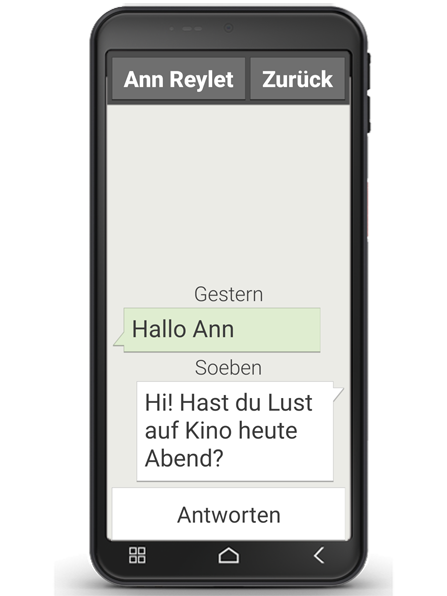
A notification will inform you when you have received a message. Tap on a new message in "Messages" to read it. You can also tap on the notification itself to read the new message.