Basics: How do you operate the smartphone with a touchscreen?
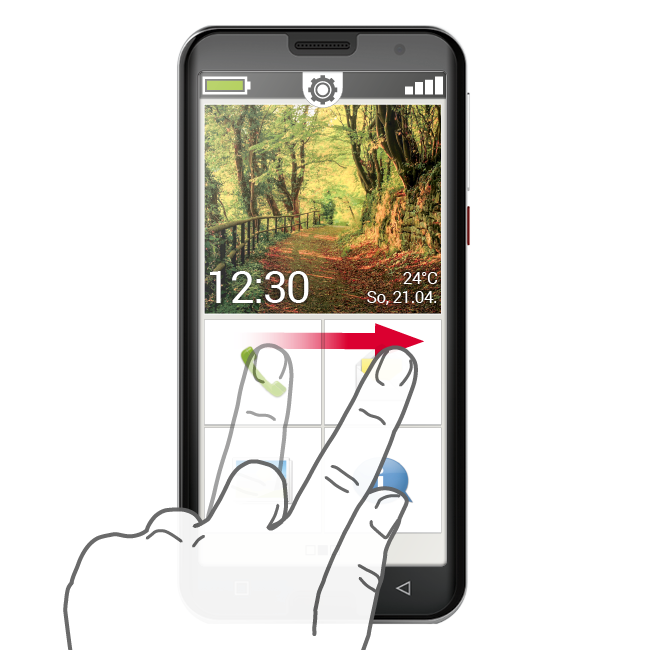
The screen of your smartphone is a touchscreen, which means it responds when you touch it with your fingers or a special pen called a stylus. You therefore "work" directly on the screen of your smartphone.
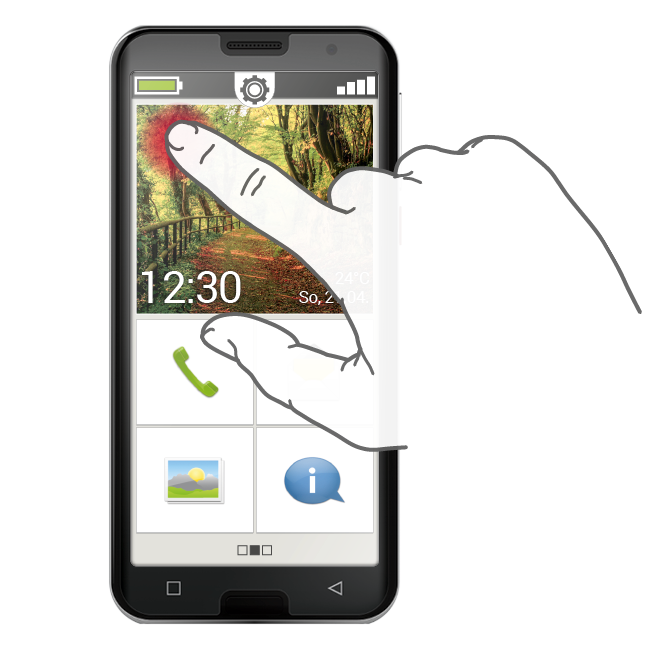
Tapping
There is one important difference between the way conventional buttons work and the way a touchscreen works.
Conventional buttons are like switches. They respond as soon as they're pressed hard enough.
In contrast, a touchscreen does not respond to pressure, but detects the capacitive voltage of your skin when you touch it with your finger. When you move your finger away from the screen again, this flow of voltage is interrupted – and this is what the screen responds to.
So it's not about how hard you press! Put your finger on the screen without pressing, so that a clear area of contact is created between your finger and the glass. When you take your finger away again, the screen will respond and perform your desired action.
Tip: It is best to use your index finger to operate the touchscreen,
because this finger has better developed fine motor skills than your other fingers.
Tapping and holding
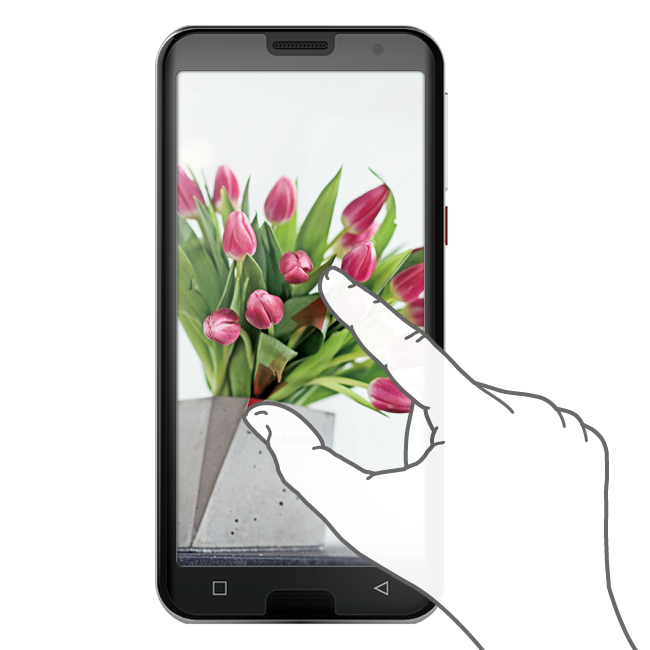
A picture element will often respond differently when it's pressed and held for several seconds instead of just being tapped briefly. This action of pressing for longer is known as tapping and holding. Sometimes, a double-tap, i.e. two taps on the same spot in quick succession, can also bring about a reaction that's different to that of a simple tap.