How to charge your battery correctly
Plug the charging cable into the socket and the other end into your smartphone – in theory, charging a smartphone battery is that simple. In practice, however, there are many mistakes you can make. None of them will destroy your smartphone, but incorrect handling over a long period of time can significantly shorten the battery's service life.
Mistakes when charging the battery
Charging too often
We understand that leaving the house with a battery that is only half full can cause a queasy feeling in your stomach. However, you should not be tempted to keep your smartphone plugged into the mains so that you can relax when you are out and about. Many short charging cycles are significantly worse than one long charging process.
Charging overnight
This point is inevitably linked to point 2 of the ‘DOs’. If you charge your smartphone overnight, more power is pumped into the energy storage device than is actually necessary. It is better to charge it an hour before going to bed and, if necessary, again in the afternoon of the following day.
Ignoring charging standards
Fast chargers charge at well over two amps, but not every smartphone can handle this. It is best to use only the original charger or chargers recommended by the manufacturer.
Tips for charging batteries
Be aware of extremes
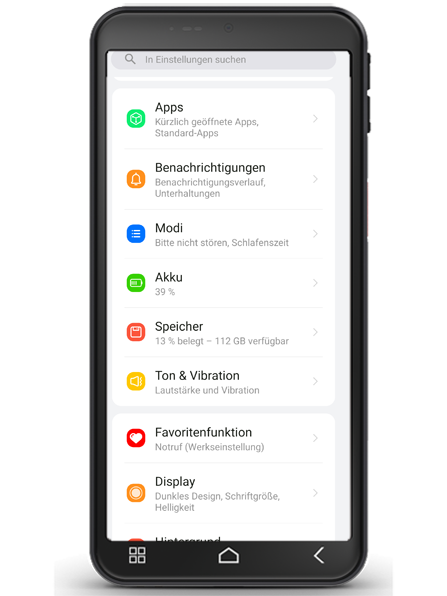
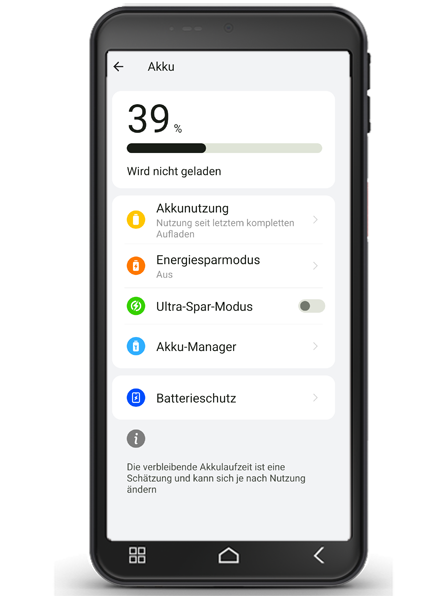
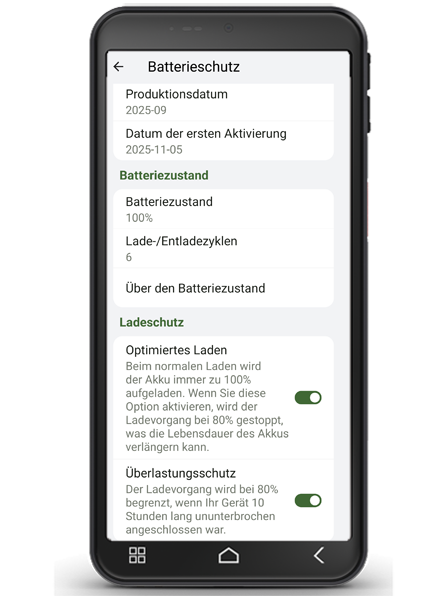
The smartphone battery should neither fall below 20 percent remaining capacity nor be kept constantly above 80 percent. Of course, a full battery is reassuring, but constantly keeping it full is not particularly healthy for the component itself. It is best to plug in the device at 20 to 25 percent and unplug it again at around 80 percent. Alternatively, activate the charge protection (settings - Battery - Battery protection), and the software will ensure that the battery is not charged beyond 80 per cent.
In general, however, you should try not to interrupt the charging process, as this is also not recommended. You can see how the battery level is changing in your device's settings, usually under ‘Battery’ or ‘Device maintenance’.
Keep a few percent
If the battery has fallen below 20 percent, plug your smartphone into the power outlet with peace of mind. It has been proven that a completely empty battery is worse for its lifespan than a battery that is consistently recharged when it is at a few percent. So make sure that there is always a few percent of capacity left.