Switch user interface - emporia to Android
Disabling the emporia interface
You can use the EmporiaSMART with the standard Android interface.
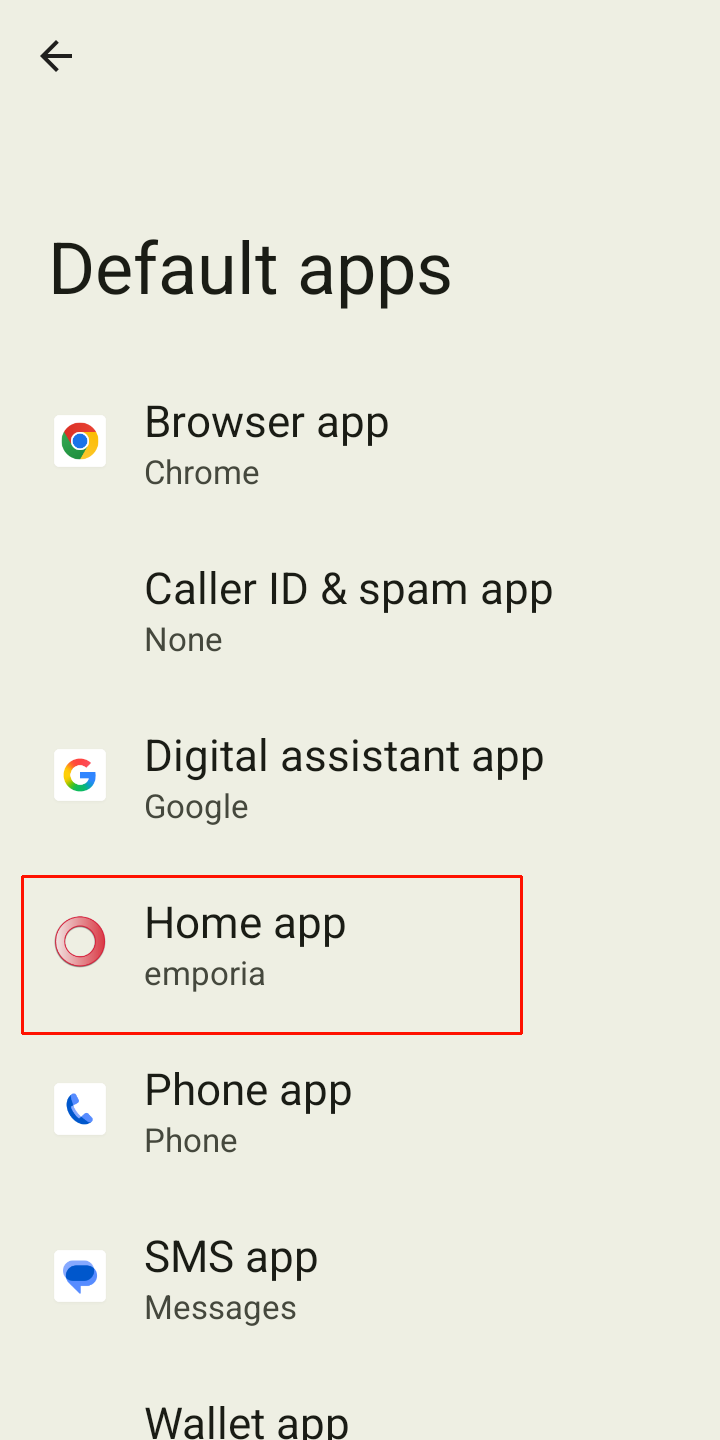
To deactivate the emporia interface, open " Settings - Apps - Default apps - Startup app ".
Select " Quickstep " as the default startup app.
Disabling emporia keyboard
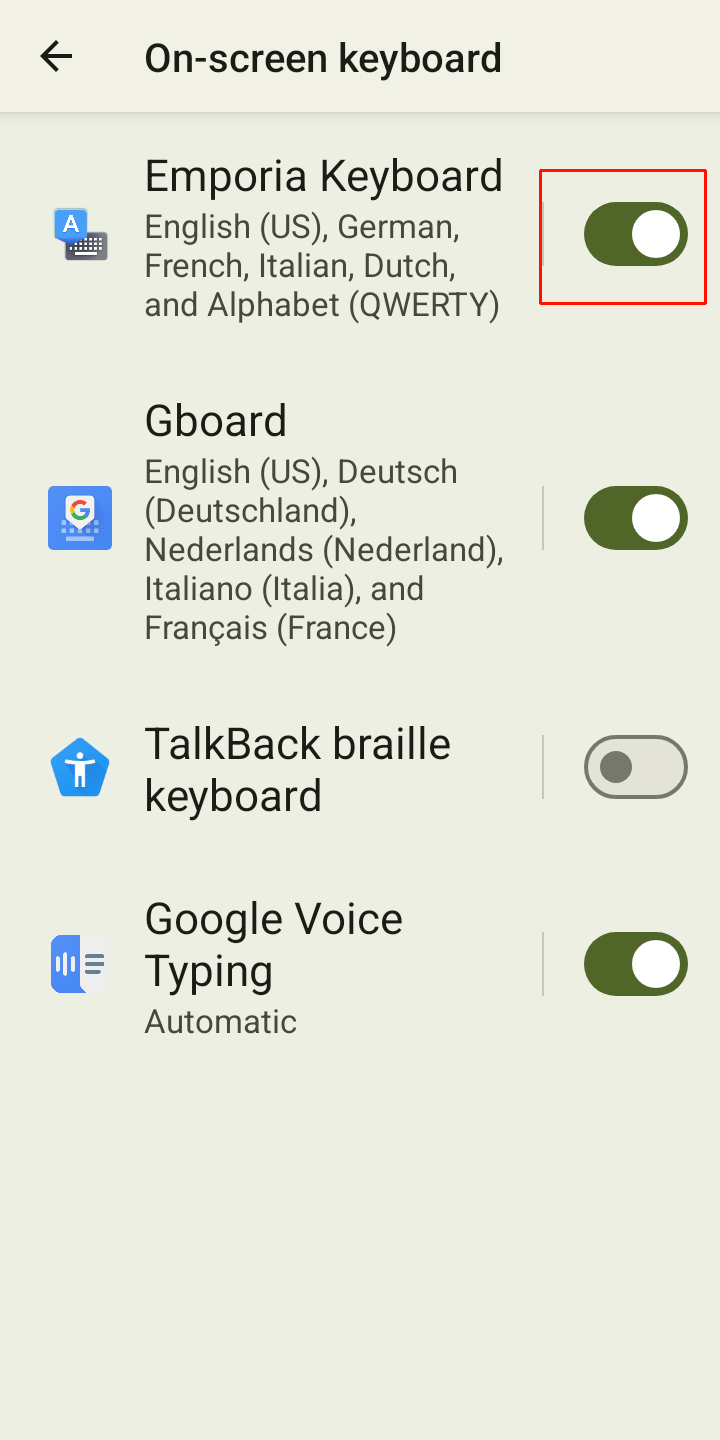
Open " Settings - Language and input - On-screen keyboard ".
Disable " Emporia Keyboard ".
The smartphone now uses the Android keyboard.
Tip: Under Default apps, you can also specify which app is used for SMS messages and which browser should open by default.