Google Messages
This application allows you to send and receive text messages (SMS) and picture messages (MMS).
Nowadays, SMS messages are often replaced by messenger services. Nevertheless, SMS messages are still useful, for example, if you want to send a text message to a contact who does not yet have a smartphone. SMS messages also work even if you do not have data reception.
Write a message
First, select the contact you want to write to.
- Open the Messages app.
- Open a contact from the list of recent chats.
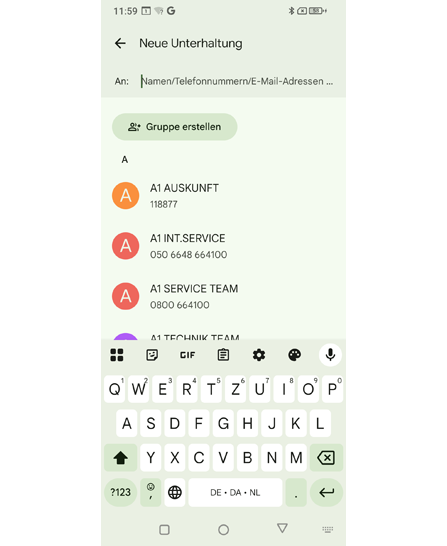
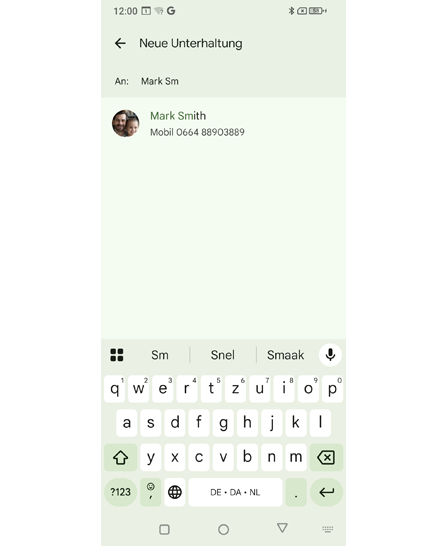
- Or tap the ‘Start chat’ field and enter the name or number of the recipient in the ‘To:’ input field.
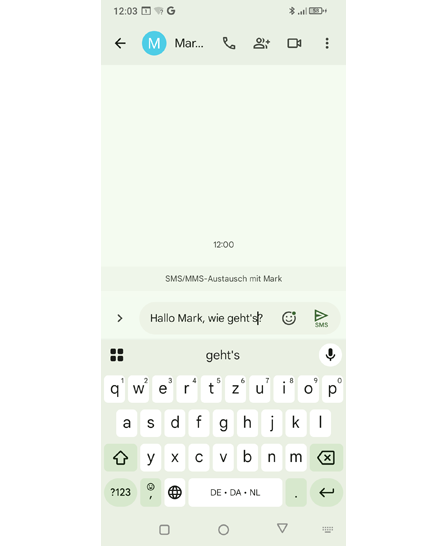
- Enter the text using the touchscreen keyboard.
- If the touchscreen keyboard does not open automatically, tap the ‘Text message’ field.
Read message
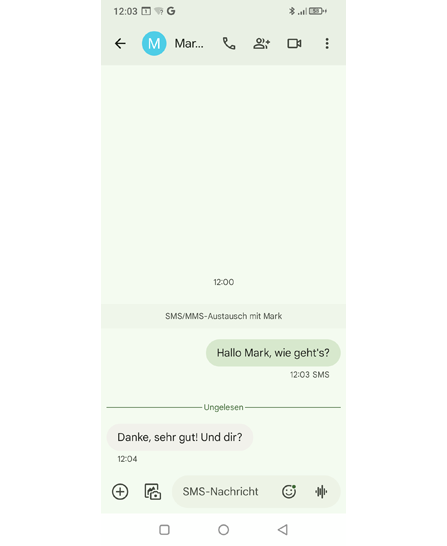
A notification will alert you when you have received a new message. Open the Messages app and find the new message at the top of the list of chats.